


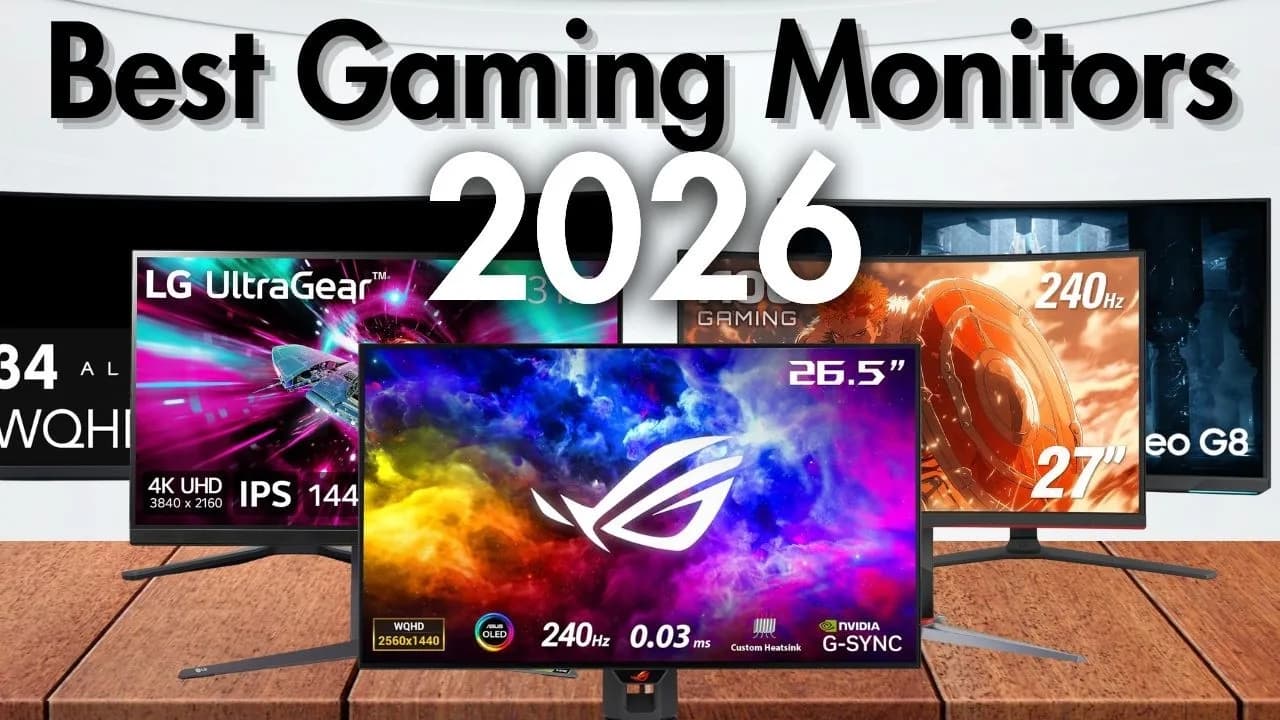
Buying a gaming monitor in Sri Lanka usually comes down to three questions: how fast it is, how big it is, and what kind of panel it uses. Here's how to answer each one, with the models we'd point you to for different kinds of players.
Start with refresh rate
Refresh rate is how many times a second the screen redraws the picture. A standard office screen does 60Hz. Gaming monitors start at 120Hz or 144Hz, and the difference is obvious the moment you move the mouse: everything looks smoother and easier to track.
- 120Hz to 144Hz is the big jump. If you're coming from a 60Hz screen, this is the upgrade you'll feel most.
- 165Hz to 200Hz suits players who want a bit more without paying for an esports panel.
- 240Hz to 320Hz is for competitive shooters like Valorant and CS2, where every frame helps you react first.
One catch: you only see a high refresh rate if your PC can produce that many frames. A 320Hz monitor on a mid-range graphics card running a demanding game at 90 frames won't look faster than a 144Hz one. Tell us your graphics card and we'll tell you what makes sense.
Then pick a size and resolution
- 24 to 25 inches at Full HD is the classic esports size: the whole screen sits in your view, and Full HD is easy for a graphics card to run at high frame rates.
- 27 inches at 2K (2560 × 1440) is the sweet spot for most people: noticeably sharper than Full HD without needing a top-end card.
- 32 inches and 34-inch ultrawides are for immersion: racing, open-world games and films, and they double as brilliant work screens.